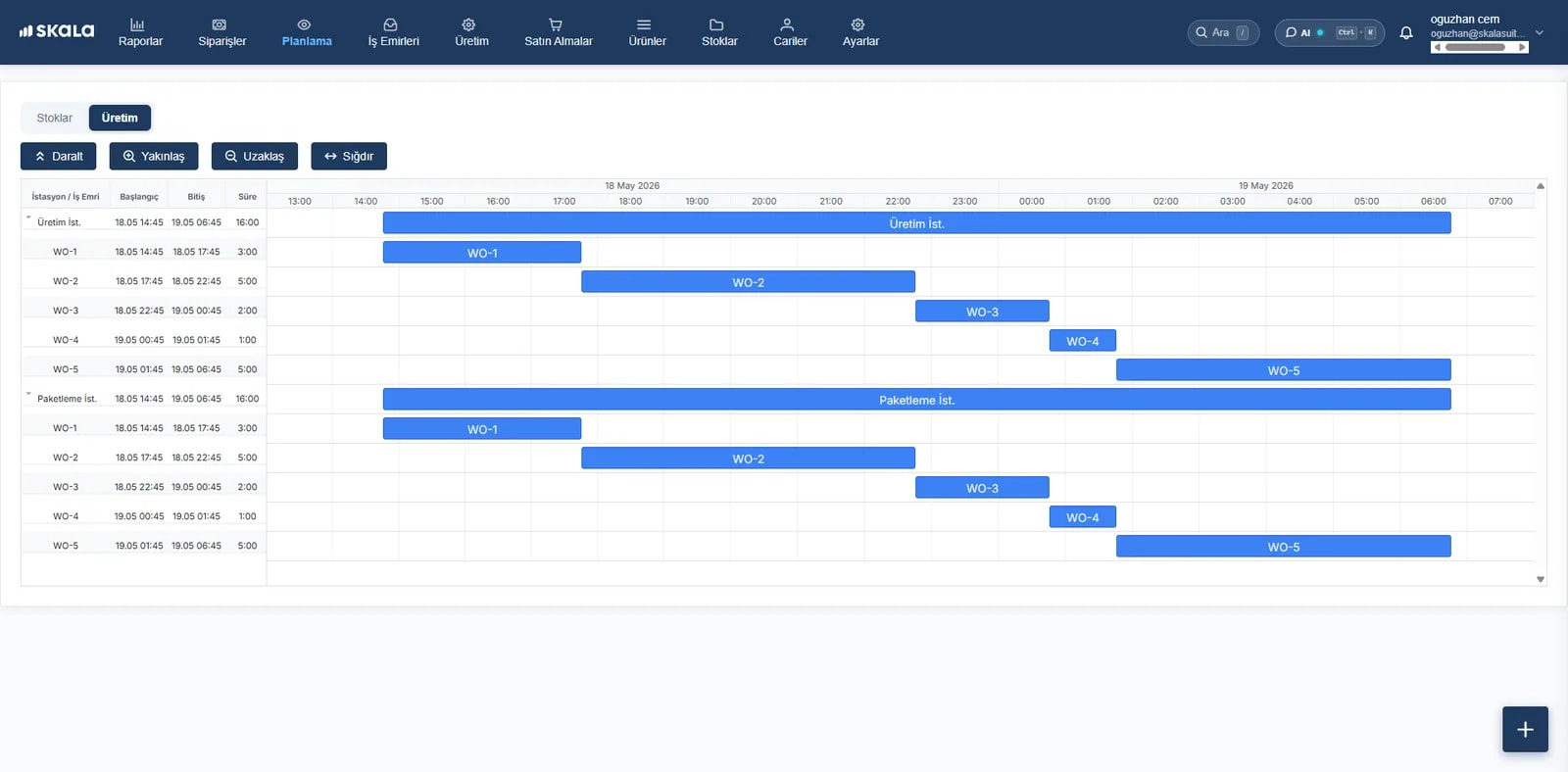
Work with your accounting software as if it were one program.
Skala runs production and inventory; your accounting software runs invoicing and finance. Thanks to the integration, stock cards, contacts and invoices are not entered into two programs; data flows across automatically and instantly.
Connected to the tools you use





Supported accounting software
Paraşüt
Sales invoices, contacts and stock cards in sync with Paraşüt.
Paraşüt integrationLogo İşbaşı
Bookkeeping and e-invoicing in Logo İşbaşı, production in Skala.
Logo İşbaşı integrationMikro
Stock, contact and document transfer for manufacturers using Mikro.
Mikro integrationKolayBi
Bring production and finance management together with KolayBi.
KolayBi integrationQuickBooks
Integration for manufacturers using QuickBooks.
QuickBooks integrationSage and Xero
Stock and invoice sync for businesses using Sage and Xero.
Sage integration
What is transferred automatically?
Once the integration is set up, sales and purchase documents, contact accounts and stock cards created in Skala are transferred to your accounting software. Your accountant doesn't key in invoices one by one, and you don't update stock information in two places.
- Sales and purchase invoices
- Customer and supplier contact cards
- Stock cards and unit prices
- Collection and payment information (depending on the software)
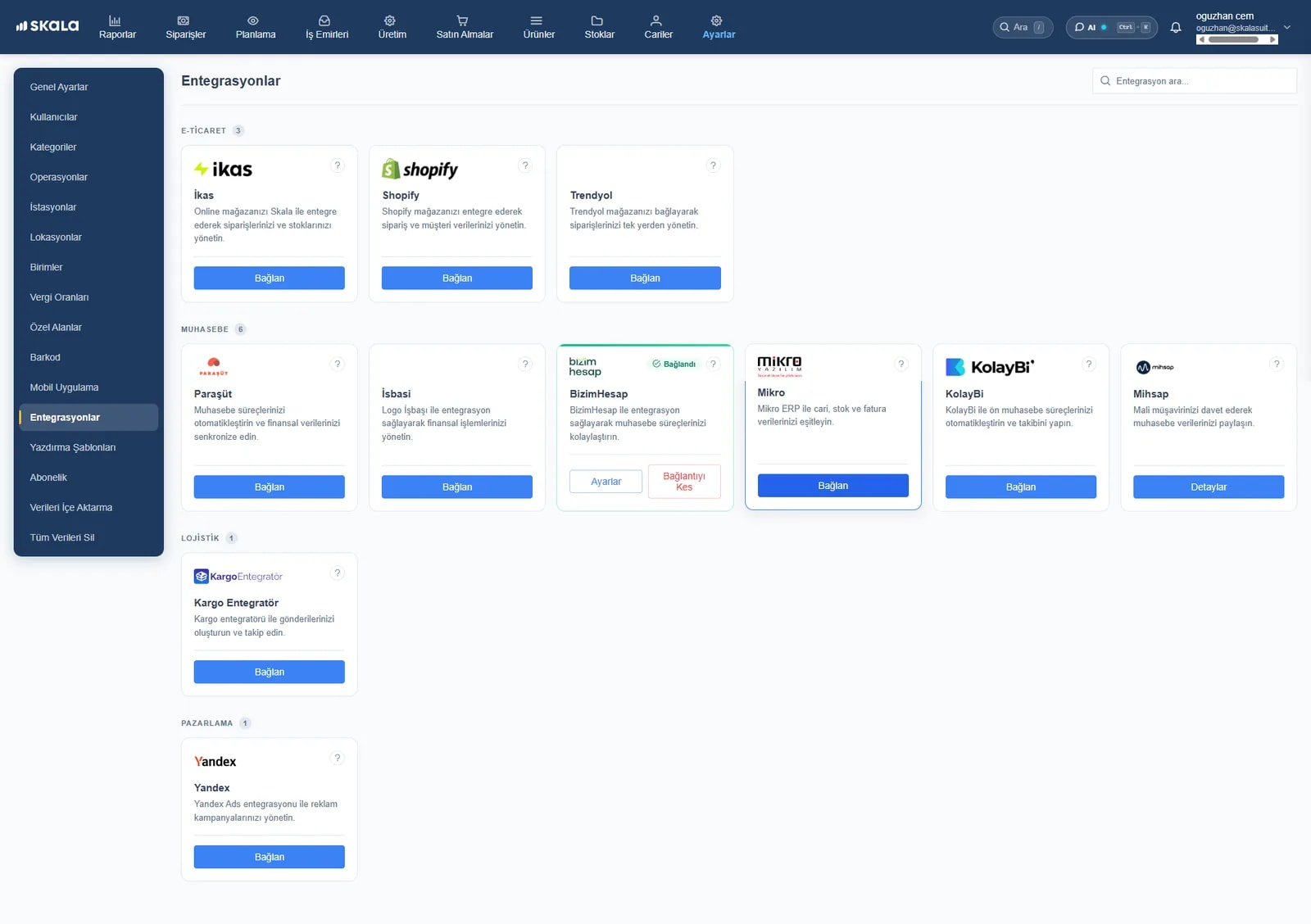
The integration is set up in 3 steps
- Step 1
Settings → Integrations
Open the integrations screen in Skala and select your accounting software.
- Step 2
Enter the API details
Enter the API key or user details you get from your accounting software.
- Step 3
Match and get started
Check the stock and contact matching; the transfer starts automatically.
Questions about accounting integration
Does Skala replace my accounting software?
No. Skala is production tracking and inventory management software; invoices, e-invoices and official accounting records stay in your accounting software. The integration lets you use the two programs as one.
Does the Paraşüt integration cost extra?
An extra fee applies to the Paraşüt integration; the other accounting integrations are included in the plans. Details are on the pricing page.
The software I use isn't on the list. What can I do?
A custom integration can be built with Skala's open API. Tell us what you need and we'll look at it together.
Can I set up the integration myself?
Yes, you can set it up in a few minutes. The steps are in the integration setup guide, and setup support is free.
Connect accountingand production.
Orders, production, inventory and warehouse in one place. Your onboarding specialist is with you from day one.
- Live in under a week
- We import your Excel data
- Real humans on support