
Learn How to Set Up Integration in Skala MRP Step by Step
Updated:
Leading e-commerce platforms and accounting software can work seamlessly with Skala through integration. After clicking on the Settings button in the horizontal menu, select the Integrations option on the left side of the opened page.
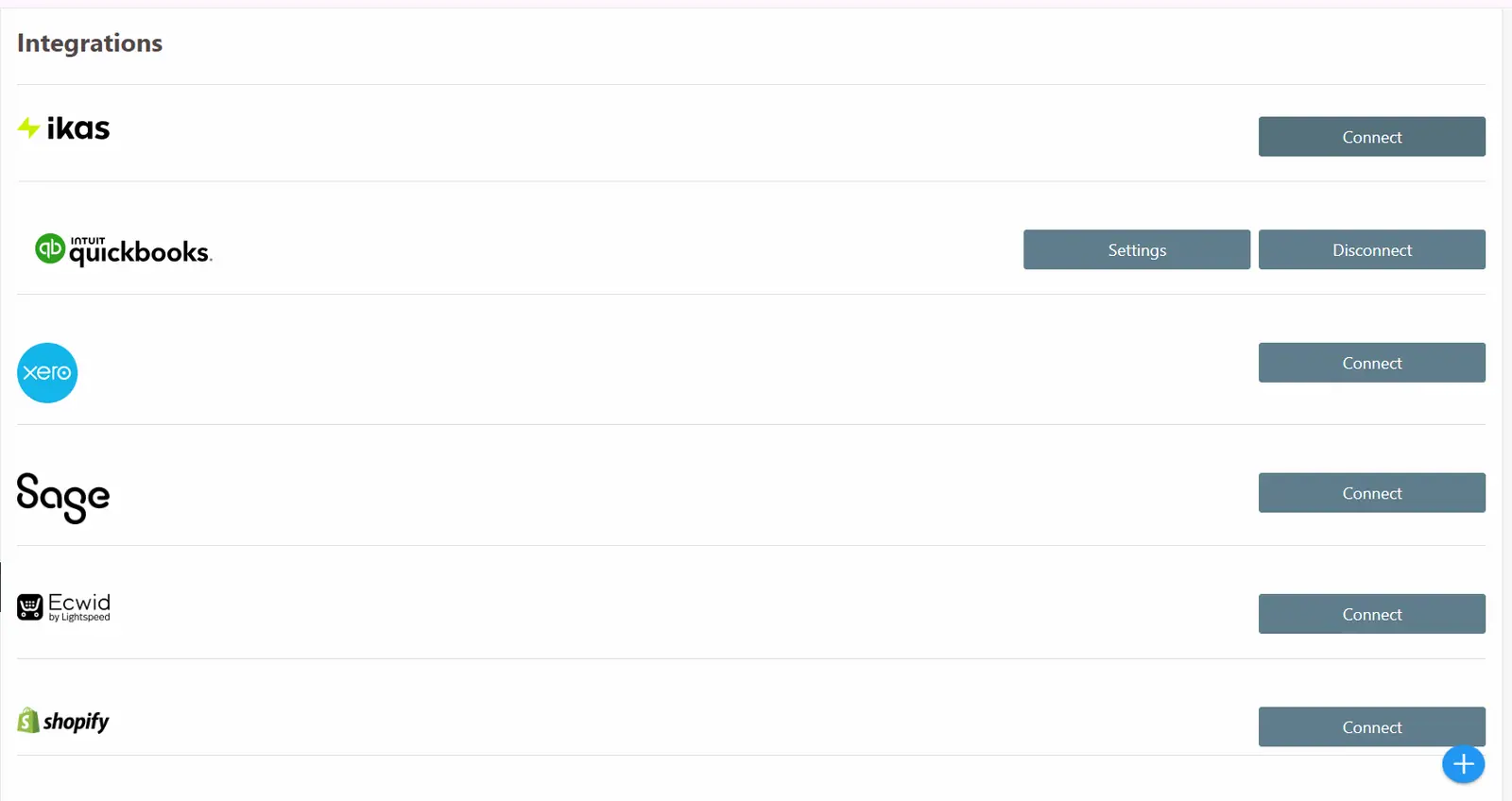
Programs integrated with Skala are displayed on this page. To integrate a program, click on the “Connect” option in the row corresponding to the desired program. After that, the program will be connected using the user credentials of the integrated program.
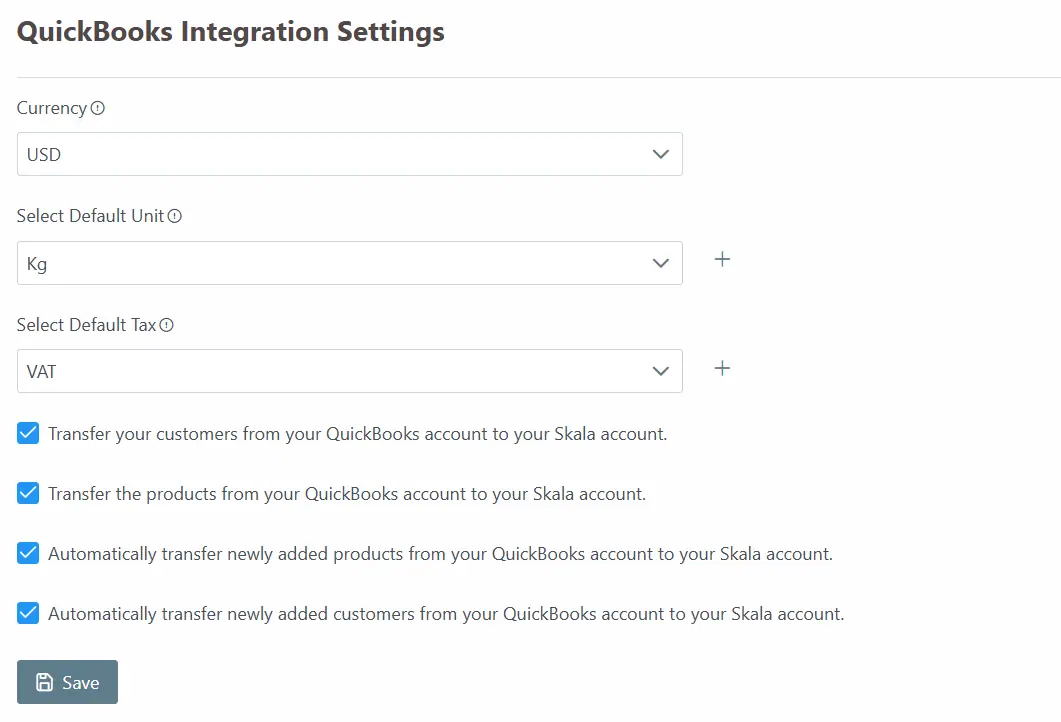
Once the connection is established, the Settings button will appear. By clicking on this button, the necessary adjustments can be made from the opened screen.