ERP vs. MRP: Which One Do You Really Need?
Learn the key differences between ERP and MRP software and discover why MRP solutions are often the better fit for manufacturing operations.
Lighten Mikro's complexity with Skala. Cost calculations, stock movements, contact cards and e-invoices sync automatically; use Mikro as efficiently as possible and enjoy Skala's simplicity.
150+ manufacturers run their production with Skala

The cost calculations, stock status and contact transactions of every product made in Skala sync with Mikro automatically.

Mikro is a powerful ERP, but it's easy for a production team to get lost in its detailed screens. Skala builds the bridge: you work in Skala's clean interface while data flows to Mikro in the background.
You don't need to leave Mikro; just hand the production side over to Skala. Your team works without spending hours clicking through screens, and your accounting setup stays intact.
E-invoice, e-archive and e-delivery note transactions run integrated with Mikro's e-transformation infrastructure. Invoice management becomes easier and the margin of error is minimised.
Our integrations





No technical knowledge required. Our team guides you step by step.
You don't need a consultant for setup.
Select your Mikro version in the integrations panel and enter your connection details.
Stock, cost, contact and invoice data flows between the two systems automatically.
Mikro's reports run on complete production data for the first time.
Companies already using Mikro that want to manage their production processes end to end.
Those who want to track production cost in real time without being worn out by complex screens.
Companies that want to reduce their operational load without losing efficiency as they scale.
Every production movement, stock change and cost calculation in Skala is transferred to Mikro automatically; contact cards, stock cards and the chart of accounts are matched in one go.
No. Your production team works in Skala's clean interface; work order, BOM, stock and cost records are posted to Mikro in the right format in the background.
No. The integration works in a controlled read/write mode; data from Skala is processed consistently with the existing card and voucher structure in Mikro.
No. The Mikro connection is set up in a few steps from Skala's integration screen; setup support is free and, if needed, our team sets it up with you over screen sharing.
Learn the key differences between ERP and MRP software and discover why MRP solutions are often the better fit for manufacturing operations.

QuickBooks Enterprise is ideal for mid-sized to large businesses across industries like manufacturing, wholesale ...
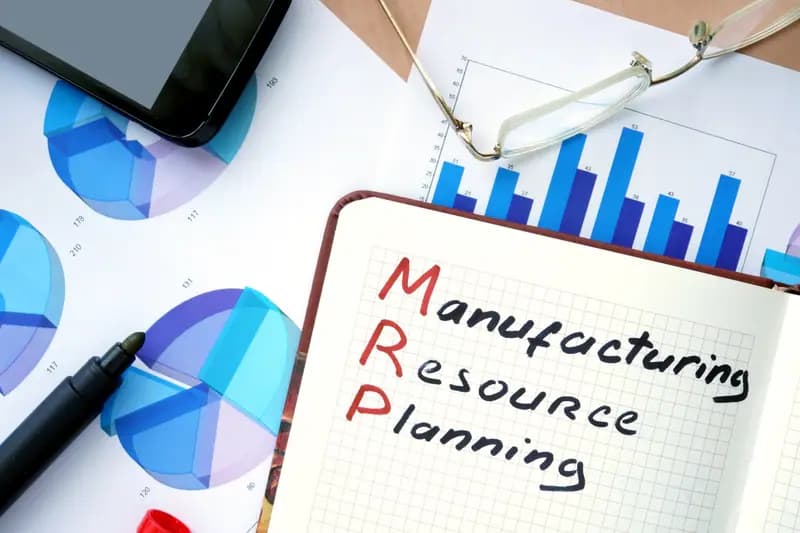
Discover how MRP systems help manufacturers, e-commerce businesses, and small enterprises improve efficiency, reduce costs...
No credit card required · Setup support included · No forms to cancel