Furniture production tracking software
Furniture production tracking software: see your product cost clearly.
Set up a cabinet's BOM once: MDF, edge banding, hinges, accessories and labour all in one place. Produce to order and see the real cost and profit of every job from the data that comes from the craftsman's phone.
- Free trial
- 14 days
- Setup
- < 1 week
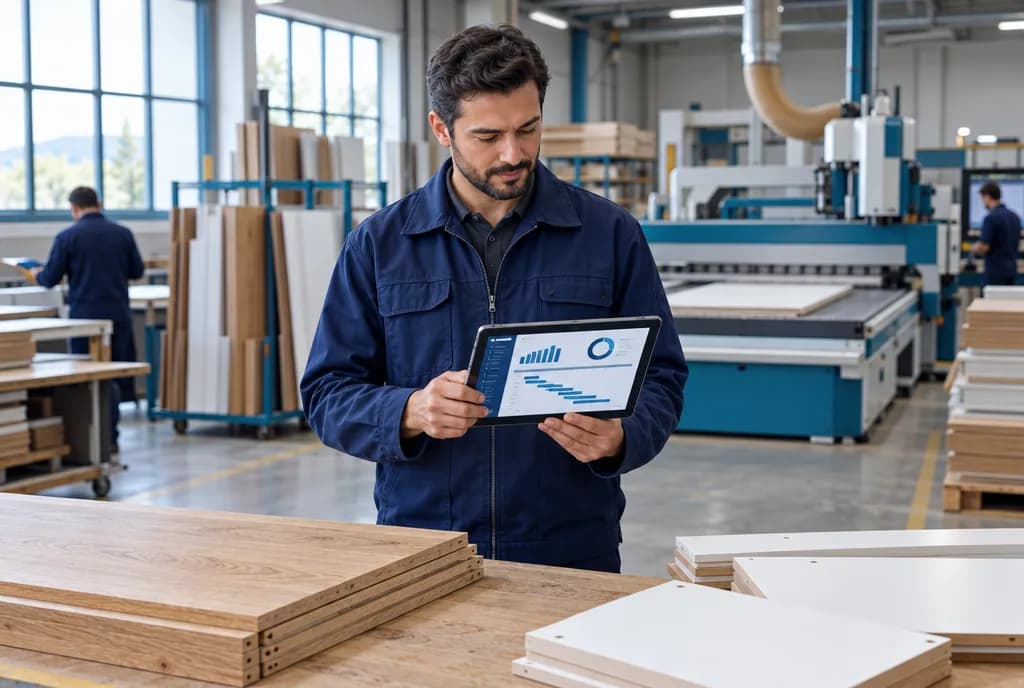
Real numbers in three steps
- Step 1
Set up the BOM
MDF, edge banding, hinges, accessories and labour inside the product.
- Step 2
Track production
Materials used are deducted from stock and scrap is recorded.
- Step 3
Read the cost
When the order closes, the real number is in front of you.
Can You Answer These Questions Today?
In a furniture workshop, every day goes by with the same questions:
In furniture, prices are often quoted as “we made it for this much last time”. In the end, it is never clear whether you made a profit or a loss.
In Skala, every product has a BOM. Materials, scrap, operations and labour are gathered inside that BOM; you see a single number.
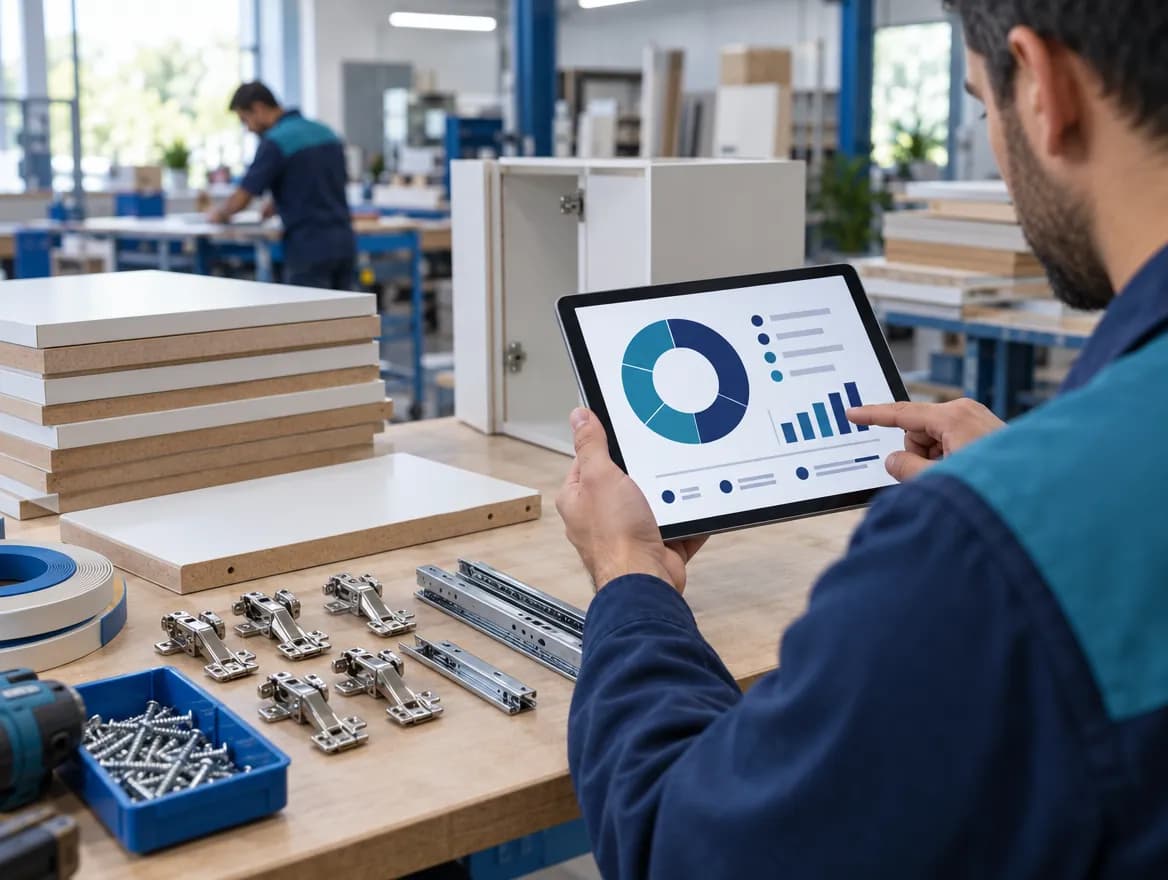
The Real Cost of a Cabinet, Line by Line
You set up the BOM once: how many square metres of MDF, how many metres of edge banding, how many hinges and how many hours of labour go into each product.
When a raw material price changes, the product cost updates itself. Scrap and overconsumption are also posted to the same product.
- Product tree (BOM): materials + labour
- Cost updates when raw material prices change
- Scrap and overconsumption are posted to cost
- Planned and actual side by side
Every Customer Wants a Different Size. The System Doesn't Miss a Beat.
Custom-size jobs and series production move through the same list. Every order has its own size, colour and BOM.
You turn the order into a work order in one click. The craftsman starts and finishes the job on their own phone, and you see it instantly in the office. Nobody calls anyone to ask “where are we?”.
- Custom-size and series production in one system
- From order to work order in one click
- Operator Mobile: Start · Pause · Complete
- Operators record broken parts instantly
- Work order #1042Done
- Assembly line BIn progress
- Quality controlWaiting
See What's in Stock Without Going to the Warehouse
Material used in production is deducted from stock automatically; the system alerts you when an item reaches its reorder level.
Skala looks at your open orders and suggests how much of each material you need to buy.
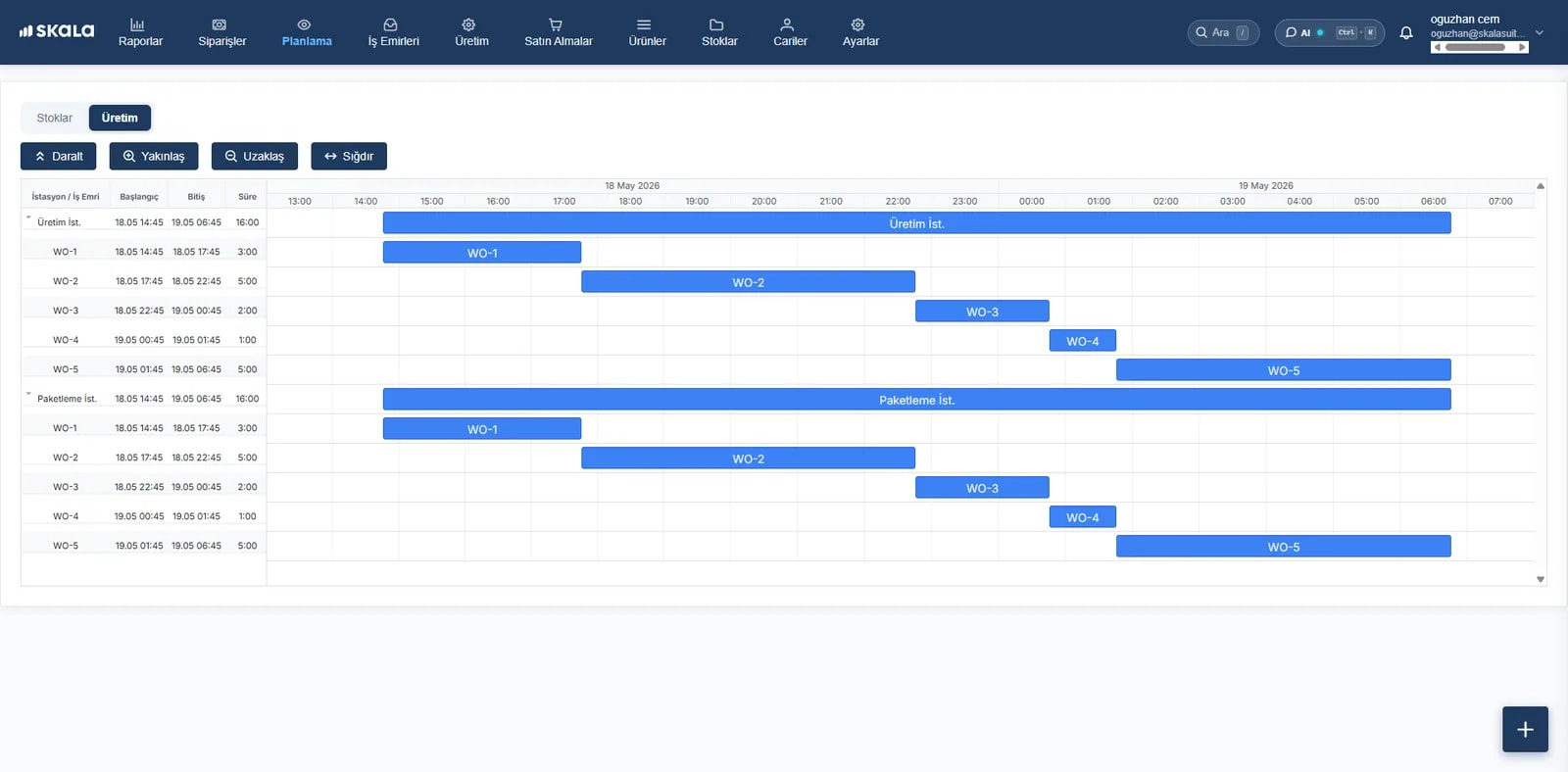
Keep the Date You Promised Your Customer
How many jobs are waiting on each machine and which week is full: you quote dates while seeing the production load.
Outsourced jobs such as painting, lacquering and coating are part of the plan too; the subcontracting cost is posted straight to the cost of that job.
- Production load by machine
- Late jobs in a different colour on the list
- Subcontract dispatch and return tracking
- Subcontracting cost posted to job cost
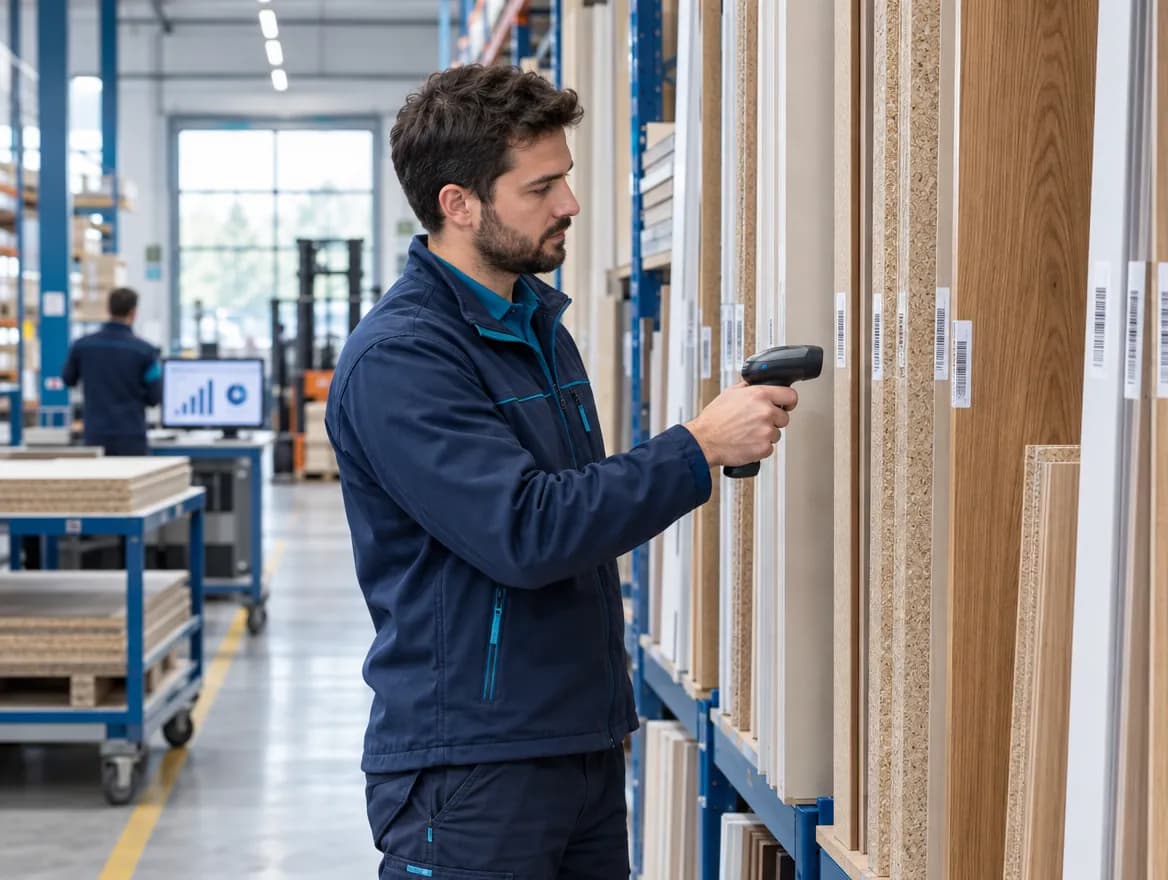
Barcodes from Receiving to Shipping
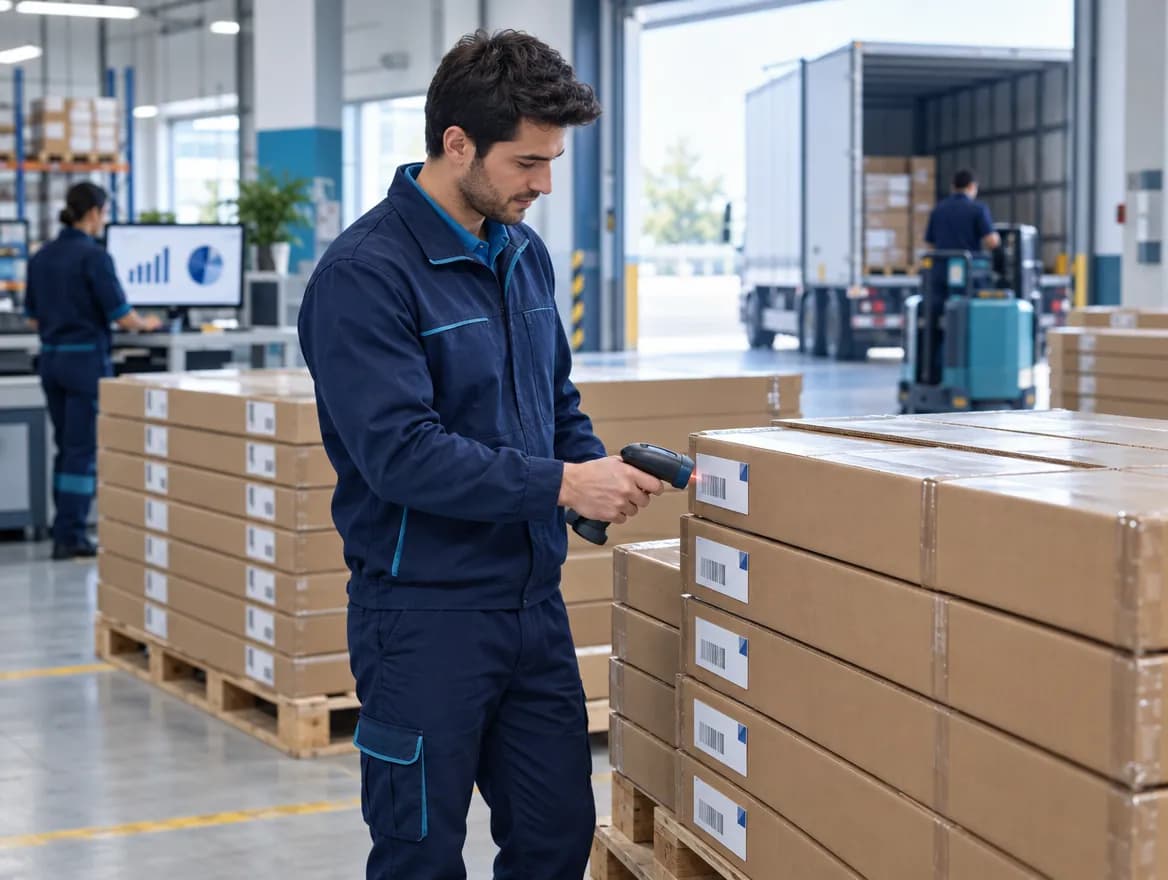
With Skala WMS you receive incoming goods by scanning their barcodes; what's on which shelf is clear instantly. Counts, transfers and shipping are done from the same phone.
What do you manage with Skala?
All in the same system. No separate programs, files or notebooks.
Product Cost
See the real cost including BOM, scrap and labour.
Product Tree (BOM)
Define once how much material goes into each product.
Make-to-Order Production
Manage custom-size and series orders in one list.
Operator Mobile
The craftsman starts the job on a phone and you see it instantly.
Production Planning
See machine load and quote the right due date.
Inventory Management
Track MDF, accessory and finished goods stock live.
Subcontract Management
Keep painting and lacquering jobs inside the plan.
Scrap Tracking
Compare planned and actual consumption.
Barcode Warehouse
Do receiving, counts and shipping by scanning barcodes.
You don't have to give up the software you use
Your accounting software, your online store and Skala use the same data. You never enter the same product in two places.






- Stay ahead of every order and stock movement with live updates across sales, inventory and production.
- Automate order fulfilment in Skala and save hours by extending workflows with integrations.
- Full customisation with Skala's open API — connect any tool to your own workflow.
No need for a complex ERP
Most production software turns into a months-long project: consultants come, training ends and the system still goes unused. You start using Skala the day you sign up, and setup takes less than a week. You buy no servers, licences or hardware. Screens are written in the language of production. Operators need to learn three buttons: Start, Pause, Complete.
- 14 days free · no credit card required
- Setup in under a week · no servers or licences
- Used by more than 1,500 manufacturers
- Unlimited free support and training for your team
- Data is stored in the cloud and backed up regularly
- Access from computer, tablet and phone
Manufacturers using Skala share their stories
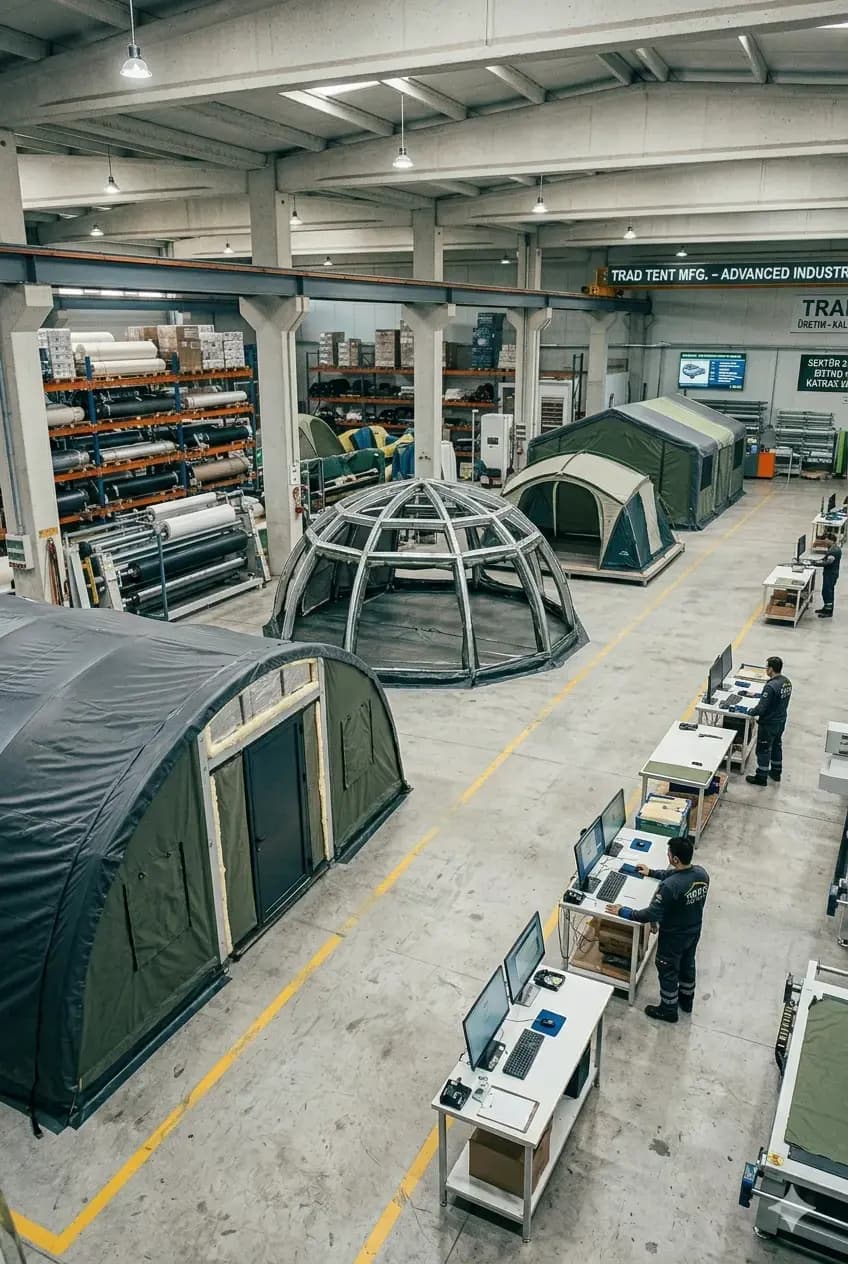 Moonzelt · Tents and outdoor structuresRuns multi-channel orders on live dataShopify and marketplace orders are fulfilled from one central stock; overselling and delays are gone.Shopify integrationLive stockRead the case study
  Atölye Reklam · Signage and advertisingCut production errors to a minimumMoved away from manual tracking; work orders live in one panel and errors are caught at the source.Work ordersEfficiencyRead the case study
  ST Duşakabin · Shower cabins and bathtubsProduction and orders in one systemGlass, metal and accessory components, orders and stock in one place — and a support team they rate highly.Order managementFast onboardingRead the case study
Questions about furniture production tracking software
For general questions, see our frequently asked questions page.
How is the real cost of a furniture product calculated?
You define a BOM for each product: MDF, edge banding, hinges, rails, glass, screws and labour. Skala multiplies this BOM by current raw material prices and adds actual production scrap and subcontracting costs. When the order closes, you see the real cost and profit margin of that job on one screen.
Does my product cost update automatically when raw material prices change?
Yes. When you update a raw material price, the cost of every product that uses it is recalculated. You no longer have to fix your price list by hand after a price increase.
How is a product tree (BOM) defined in furniture production?
You define the product once: how much of which material, and how many hours of labour in which operations. When you turn an order into a work order, the material requirements list comes out of this BOM automatically.
Can it be used for custom-size furniture production?
Yes. You define each order separately with its own size, colour and BOM. Custom-size jobs and series production move through the same system and the same production plan.
Our craftsmen in the workshop don't use computers. Will it still work?
Yes. The craftsman never touches a computer; they open the Skala Operator app on their phone or tablet, see the job assigned to them and use the Start / Complete buttons. They enter broken or faulty parts from the same screen.
Can I track subcontracted jobs such as painting, lacquering and coating?
Yes. Subcontracted operations are added to the production route. What was sent, when it was sent and when it came back are recorded, and the subcontracting cost is posted to the cost of that job.
Can stock of raw materials like MDF and edge banding be tracked?
Yes. You track raw materials in different units such as sheets, metres and pieces by warehouse. The amount used in production is deducted from stock automatically and the system alerts you at the reorder level.
Can I see delays in furniture production in advance?
Yes. You see the production load per machine: how many jobs are waiting on which machine and which week is full. Orders at risk of missing their due date appear in a different colour on the list.
See Your Real Cost in Furniture TodayTry it free for 14 days.
Don't quote prices on guesswork. · Don't update your cost list by hand after price increases. · Don't walk the workshop to find out where production stands.
- Live in under a week
- We import your Excel data
- Real humans on support