Skala MRP & KolayBi Integration
Bring your production and finance management together with KolayBi. Skala runs production operations end to end and KolayBi makes invoicing and contact processes practical: a seamless digital workflow from production to payment.
150+ manufacturers run their production with Skala


- Stock movements and costsAutomatically from Skala to KolayBiLive
- Invoicing ordersFast, error-free invoicesLive
- Contact accounts and balancesIn sync on both platformsLive
- Logo
- Integration
- KolayBi
- Category
- Bookkeeping
- Type
- App store
- Documentation
- Integration setup guidekolaybi.com
- Automatic data transfer
- 100%
- Manual data entry
- 0
- Average setup time
- ~2 hrs
- Active manufacturers
- 150+
When you sign up to Skala through your KolayBi account, a special discount is applied automatically.
Automatic data transfer
Data, stock movements and cost calculations created in Skala are transferred to KolayBi automatically. No manual data entry is needed; you have current information on both platforms.
- Data is transferred from Skala to KolayBi automatically
- Stock movements and cost calculations are updated continuously
- Current data in sync on both platforms

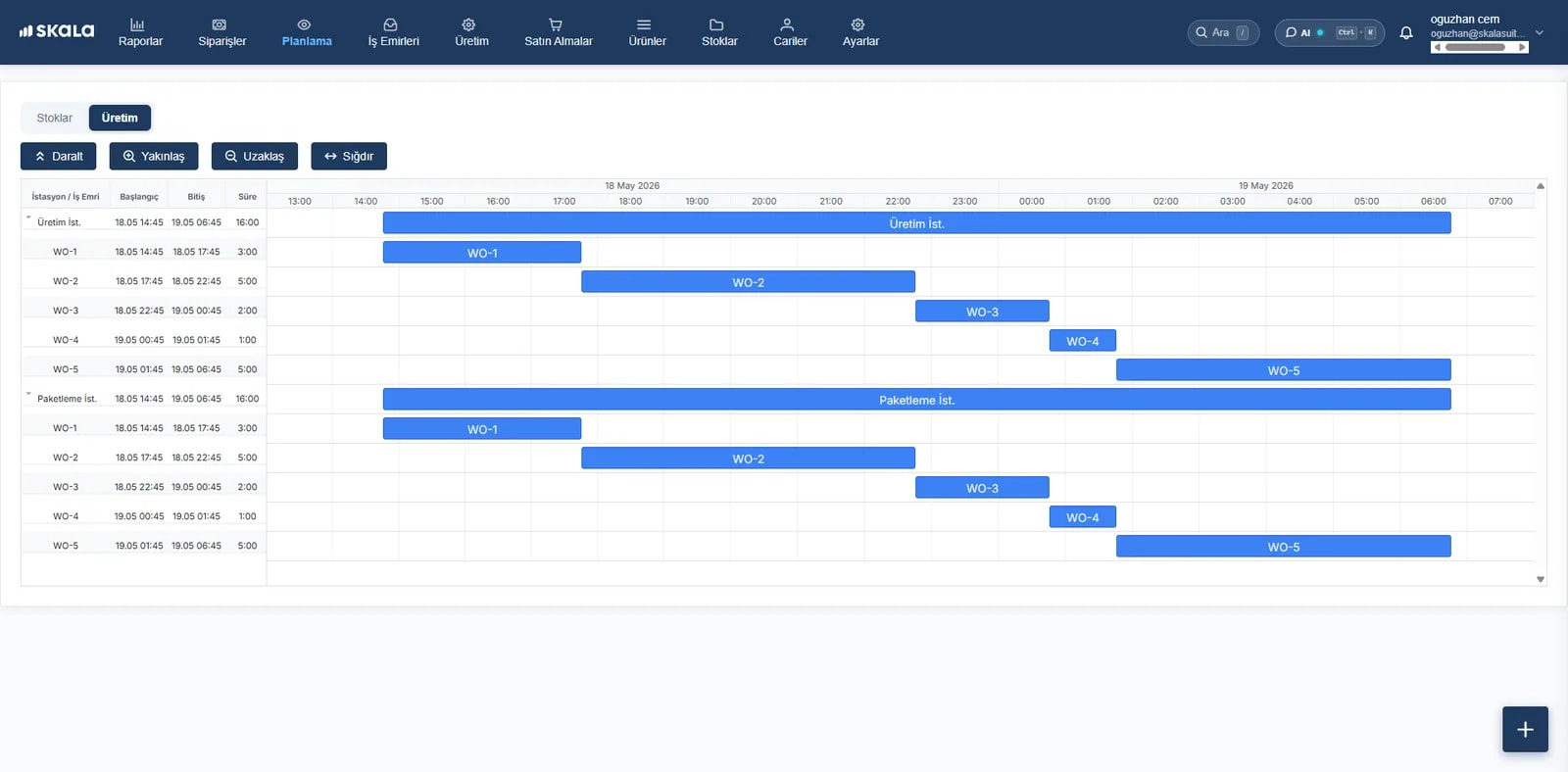
Stock and production tracking
Thanks to the KolayBi integration, Skala's advanced stock and production management features let you track your stock and production costs more efficiently.
- Powerful stock and production management
- Stock and costs are tracked effectively
- Instant access to stock status and cost reports

Invoice and contact account management
Orders from Skala are invoiced quickly and without errors in KolayBi. Contact accounts are updated automatically and customer balances are tracked in sync on both platforms.
- Skala orders are invoiced in KolayBi
- Contact accounts are updated automatically
- Balances in sync on both platforms

Our integrations





Complete the setup in a few hours
No technical knowledge required. Our team guides you step by step.
- Step 1
Install from the app store
Install SkalaSuite from the KolayBi app store; no technical setup required.
- Step 2
Connect your account
Connect your KolayBi account in seconds by following the on-screen instructions.
- Step 3
Configure the sync
Configure how stock, orders and invoices should flow.
For those who want to bring production and accounting together
SME manufacturers
Small and mid-sized manufacturers that want to manage production and accounting processes in an integrated way.
KolayBi users
Businesses using KolayBi that want to add production tracking to the same ecosystem.
Growth-focused companies
Those who want to keep both production and accounting operations efficient as they scale.
Your questions
How long does the integration take to set up?
The basic integration takes 15–30 minutes on average: account connection, product matching and automation rules are configured with a guide.
Is there a special discount for KolayBi users?
Yes. When you sign up to Skala through your KolayBi account, a special discount is applied automatically. Contact us for details.
Can my historical data be transferred?
Yes. On the first connection you can transfer your past invoices, contact accounts and product catalogue to Skala; the transfer date and scope are up to you.
How is data security ensured?
The connection is established with secure API protocols; all data transfers are protected with SSL/TLS encryption.
Do I need technical knowledge for the KolayBi integration?
No. The KolayBi connection is set up in a few steps from Skala's integration screen; setup support is free and, if needed, our team sets it up with you over screen sharing.
Bring production and finance togetherwith Skala & KolayBi.
No credit card required · Setup support included · No forms to cancel
- Live in under a week
- We import your Excel data
- Real humans on support