Metal fabrication production tracking software
Metal fabrication production tracking software: see real cost by operation.
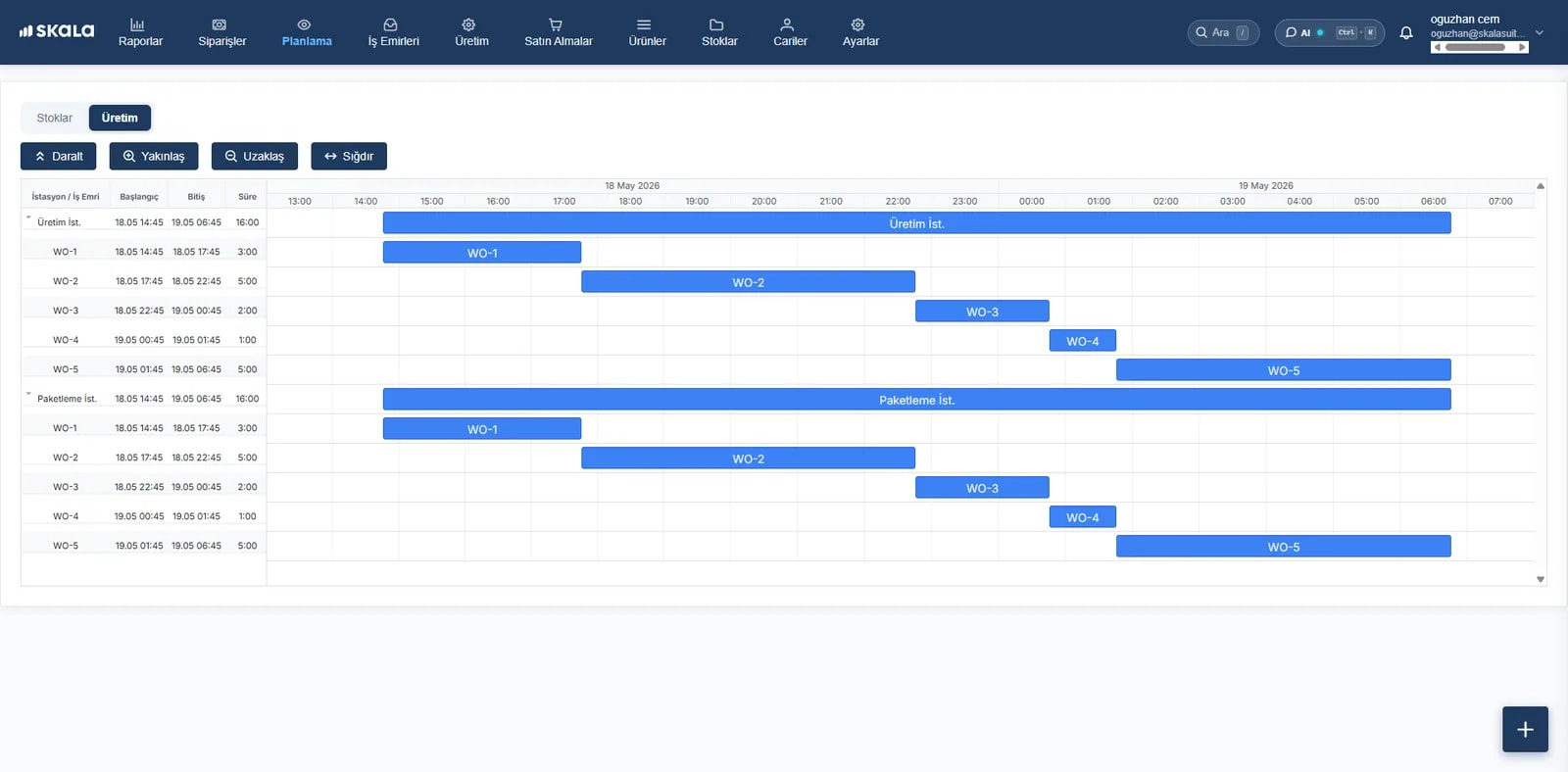
Measure how much time you spend on cutting, welding and painting. Let operators start the job with a PIN on a tablet, see which operation a job is at on the Gantt screen and read cost by operation.
- Free trial
- 14 days
- Setup
- < 1 week
Real numbers in three steps
- Step 1
Set up the route
Cutting, bending, welding, painting: every operation's time and hourly cost are defined.
- Step 2
Let operators start and finish
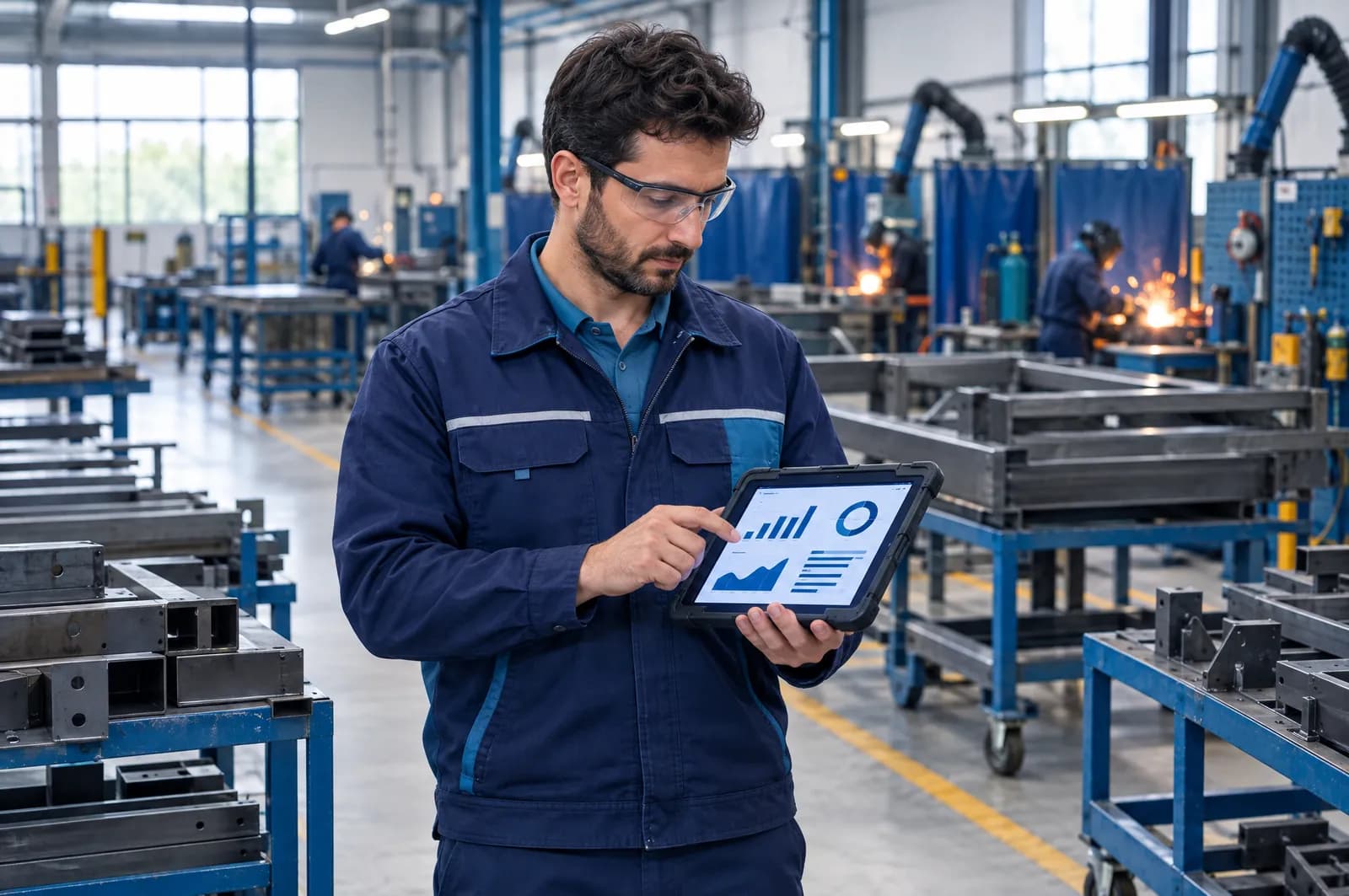
They log in on a tablet with a PIN and the time spent is recorded on its own.
- Step 3
Read the cost
Raw material + operation time + subcontracting = real product cost.
Can You Answer These Questions Today?
In a metal workshop, every day goes by with the same questions:
In metal, half of the cost isn't material, it's time. If welding took five hours instead of three, you usually don't find out even at the end of the month.
In Skala, the operator starts and finishes the operation. The time spent is recorded automatically, turned into operation cost and posted to the product.
How Much Time Did We Spend on Each Operation?
Every operation has an hourly cost: machine, labour, energy. When the operator starts and finishes the job, the time spent is recorded on its own.
When the order closes, raw material, operation time and subcontracting cost add up to one number. You no longer quote on guesswork.
- Operation start and finish times
- Hourly operation cost definitions
- Planned time / actual time
- Raw material + time + subcontracting = real cost
Operators Don't Fill in Excel. They Enter a PIN on a Tablet.
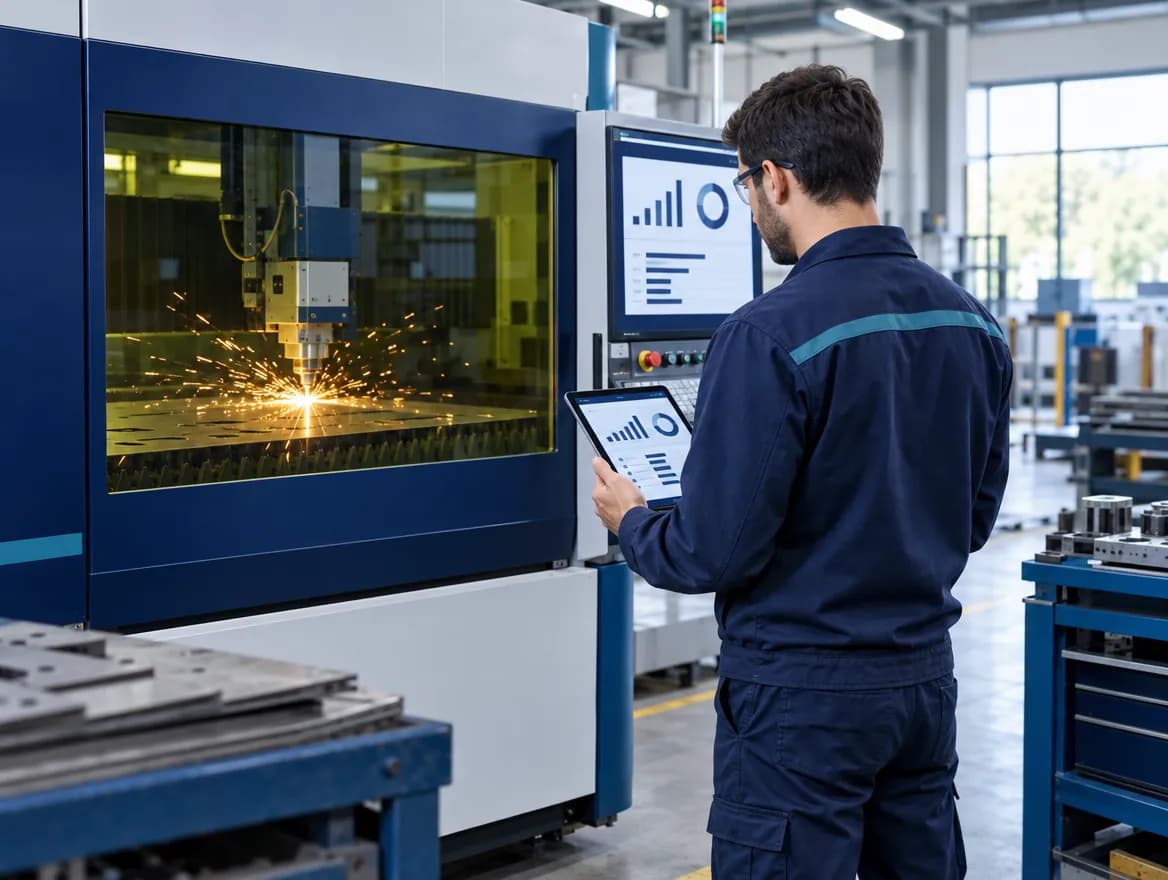
The operator logs in to the tablet with their own PIN, sees the job assigned to them and taps Start; when the job is done they tap Complete. That's all they need to learn.
At the same time, on the Gantt screen you see which job is at which operation and which machine is busy or free.
- PIN login from a tablet or phone
- Start · Pause · Complete: three buttons
- Defective parts and waste entered on the floor
- Gantt: which job is at which operation
Cutting machine · 1 pc / 3 h
Know Before You Run Out of Sheet
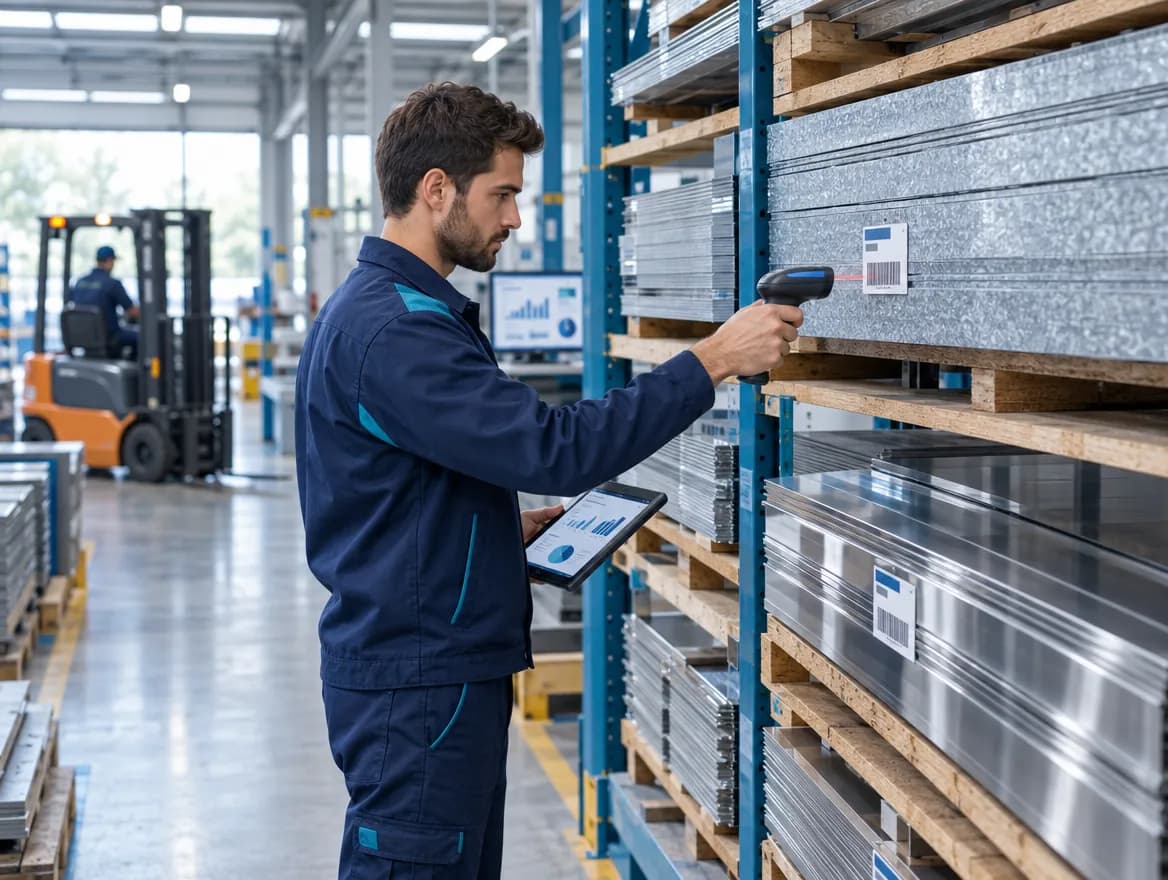
Raw material stock is linked to production; the amount used is deducted when the work order closes.
You track by thickness, size and grade separately, and the system alerts you at the reorder level.
Don't Lose Parts Sent for Painting
Powder coating, galvanising, plating and heat treatment are part of the production route. What went out and how many pieces came back is on record, and the subcontracting cost is posted to the job's cost.
You also link dimension and weld checks to the work order and keep a record of which batch you made from which sheet.
- Subcontract dispatch and return tracking
- Dimension and weld inspection records
- Batch and serial number traceability
- Technical drawings on the operator's screen
- Work order #1042Done
- Assembly line BIn progress
- Quality controlWaiting
42 Sheets in the BOM, 45 Sheets on the Floor
Skala shows this difference and records who entered the waste and on which machine. You see the job with a rising scrap rate without waiting for the end of the month.
What do you manage with Skala?
All in the same system. No separate programs, files or notebooks.
Operation Time
Measure time spent with start and finish times.
Real Product Cost
Raw material, time and subcontracting add up to one number.
Operator Mobile
The operator logs in to the tablet with a PIN, then starts and finishes the job.
Gantt Planning
See which job is at which operation at a glance.
Raw Material Stock
Track sheet, profile and tube by thickness and size.
Subcontract Management
Keep painting, galvanising and plating inside the plan.
Quality Control
Link dimension and weld checks to the work order.
Technical Drawings
Put the right revision on the operator's screen.
Scrap and Waste
Compare planned and actual consumption.
You don't have to give up the software you use
Your accounting software, your online store and Skala use the same data. You never enter the same product in two places.






- Stay ahead of every order and stock movement with live updates across sales, inventory and production.
- Automate order fulfilment in Skala and save hours by extending workflows with integrations.
- Full customisation with Skala's open API — connect any tool to your own workflow.
No need for a complex ERP
Most production software turns into a months-long project: consultants come, training ends and the system still goes unused. You start using Skala the day you sign up, and setup takes less than a week. You buy no servers, licences or hardware. Screens are written in the language of production. Operators need to learn three buttons: Start, Pause, Complete.
- 14 days free · no credit card required
- Setup in under a week · no servers or licences
- Used by more than 1,500 manufacturers
- Unlimited free support and training for your team
- Data is stored in the cloud and backed up regularly
- Access from computer, tablet and phone
Manufacturers using Skala share their stories
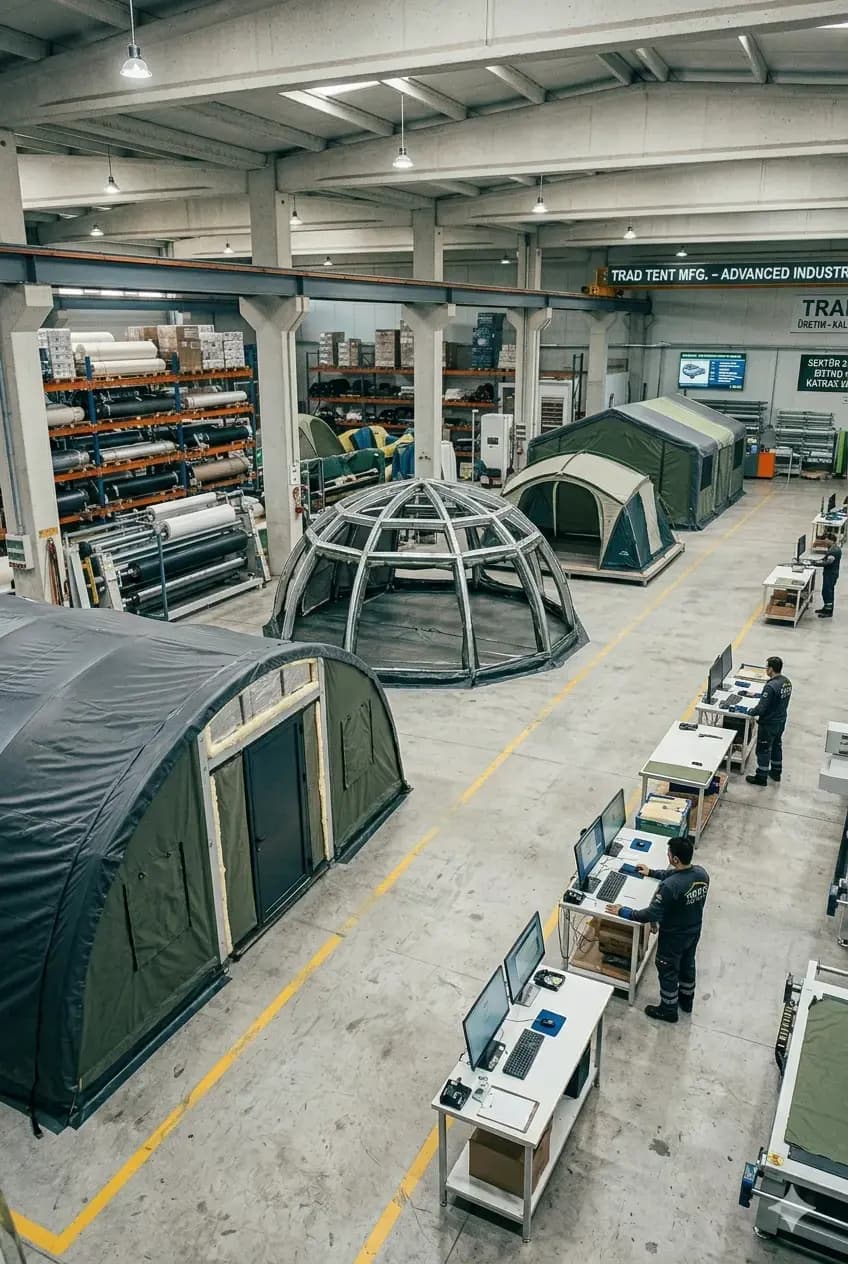 Moonzelt · Tents and outdoor structuresRuns multi-channel orders on live dataShopify and marketplace orders are fulfilled from one central stock; overselling and delays are gone.Shopify integrationLive stockRead the case study
  Atölye Reklam · Signage and advertisingCut production errors to a minimumMoved away from manual tracking; work orders live in one panel and errors are caught at the source.Work ordersEfficiencyRead the case study
  ST Duşakabin · Shower cabins and bathtubsProduction and orders in one systemGlass, metal and accessory components, orders and stock in one place — and a support team they rate highly.Order managementFast onboardingRead the case study
Questions about metal fabrication production tracking software
For general questions, see our frequently asked questions page.
How is operation-based cost calculated in metal production?
You define an hourly cost for each operation: machine, labour and energy. When the operator starts and finishes the job, the time spent is recorded automatically and converted into cost. Add raw material and subcontracting cost, and you have the real cost of the work order.
How do operators enter production data?
With the Skala Operator app. The operator logs in to a tablet or phone with their own PIN, sees the work order assigned to them and uses the Start / Pause / Complete buttons. They enter defective parts and waste from the same screen; no need to fill in Excel.
Can I compare planned and actual time?
Yes. A planned time is defined for every operation and the actual time on the floor is written next to it. You see how much deviation there is in each operation and its effect on cost.
What do I see on the Gantt screen?
You see which job is at which operation, which machine is busy or free and which job is at risk of missing its due date. You can drag jobs to change the sequence.
Can multi-step work orders be tracked?
Yes. You define the production route for each product once: cutting, bending, machining, welding, painting, assembly. When you open a work order, the operations are created in sequence and you see how many pieces are finished at each step.
Can subcontracted jobs like powder coating, galvanising and plating be tracked?
Yes. Subcontracted operations are added to the production route. How many pieces were sent, when they were sent and how many came back are recorded, and the subcontracting cost is posted to the cost of that job.
Can technical drawings and revisions be tracked?
Yes. You upload the product's technical drawing and image to the system. The operator sees the current image in the Skala Operator app, so nothing is produced from an old revision.
How is sheet and profile stock tracked?
You define separate stock items by material type, thickness, size and grade. You track them in different units such as sheets, metres and kilograms, and get automatic alerts at the reorder level.
See Your Real Cost in Metal TodayTry it free for 14 days.
Don't quote on guesswork. · Don't find out how long welding took at the end of the month. · Don't walk the workshop to ask where a job is.
- Live in under a week
- We import your Excel data
- Real humans on support