Guide
Paraşüt – Skala integration: setup and user guide.
In this guide we explain step by step how to connect Paraşüt with Skala, which data flows in which direction from order to payment, and how production data from the floor reaches accounting.


- Order approval → contact transactionautomatic
- Purchase → expense invoiceautomatic
- Production → stock and costautomatic
Setup steps
- Step 1
Open the integrations screen
In Skala, select Paraşüt from the Settings → Integrations menu.
- Step 2
Log in to your Paraşüt account
Authorise with your Paraşüt credentials in the window that opens.
- Step 3
Do the matching
Match stock cards and contacts; check VAT and unit settings.
- Step 4
Create a test document
Approve a test order and confirm that a contact transaction is created in Paraşüt.
Order integration
With the Skala and Paraşüt integration, the whole flow from order to payment is automated. Purchase requests and customer orders become financial records the moment they are approved.
- Real-time financial tracking: The moment an order is approved, a contact transaction and stock record are created in Paraşüt.
- Zero margin of error: Quantity and amount mismatches from manual entry are gone.
- Fast approval: Purchase and sales documents become ready for posting directly.
How does floor data reach accounting?
Production and stock movements collected from the floor and the warehouse with the Skala Operator and Skala WMS apps are reflected in Paraşüt's stock and cost records without any extra hardware cost.
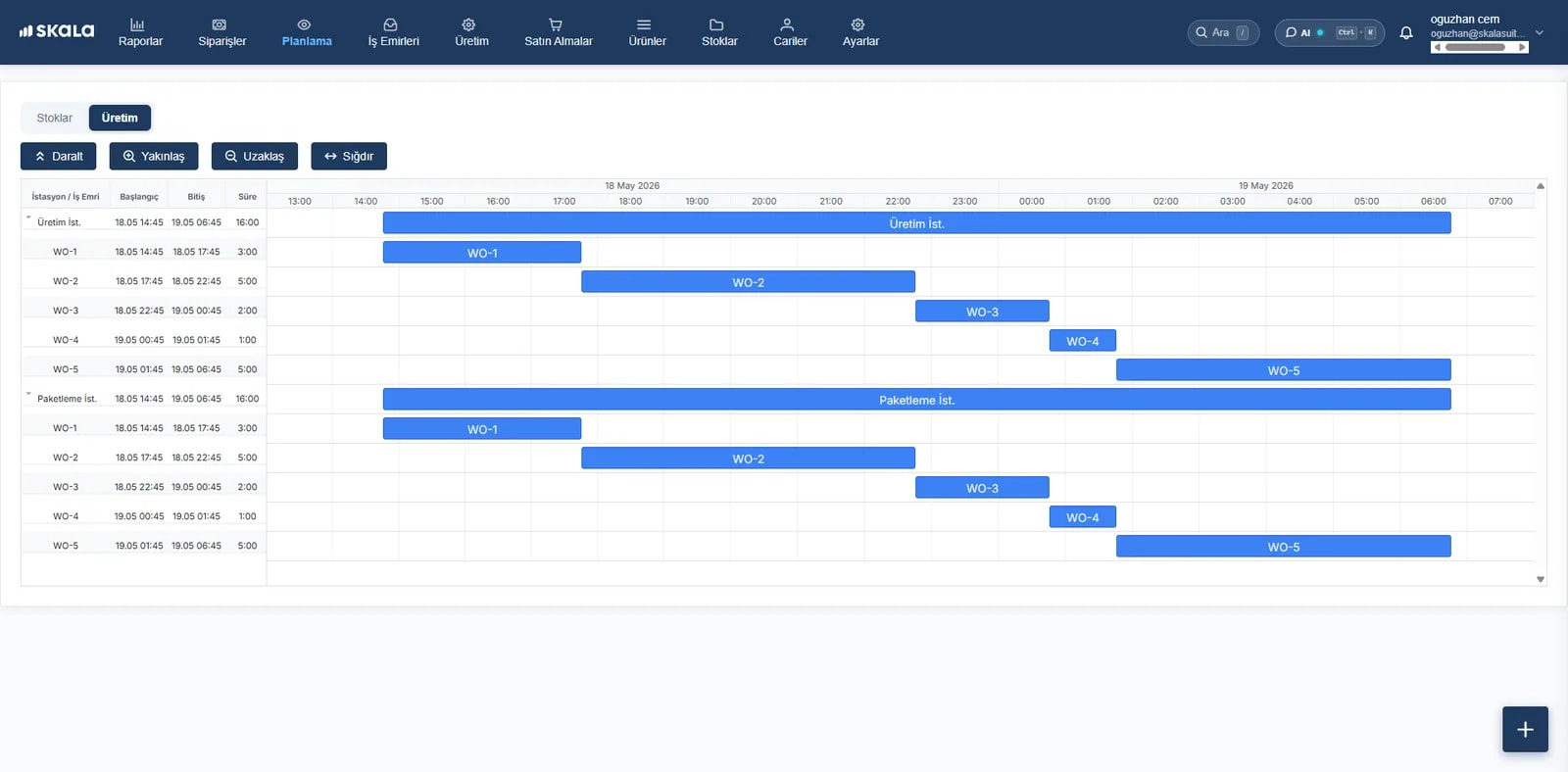
- Capacity utilisation with AI-powered planning
- Customisable workflows and approval mechanisms
- Transparent reports from scrap rate to unit cost
$ 238.40
- Materials 62%
- Labour 21%
- Overhead 17%
Frequently asked
Which data is transferred from Skala to Paraşüt?
Approved sales orders and purchases, contact accounts, stock cards and cost information are transferred. E-invoice and e-archive transactions run on Paraşüt's infrastructure.
Can I turn the integration off later?
Yes. You can disable the integration from the Settings screen whenever you like; existing records in both systems are not deleted.
Do I need technical knowledge to set up an integration?
No. Integrations are set up in a few steps from Skala's Settings → Integrations screen. Setup support is free; if needed, our team sets it up with you over screen sharing. The steps are in the integration setup guide.
Can I try Skala free together with an integration?
Yes. During the 14-day free trial you can set up the integration and test it with your real data; no credit card required.
Connect Paraşüt to Skalatoday.
Orders, production, inventory and warehouse in one place. Your onboarding specialist is with you from day one.
- Live in under a week
- We import your Excel data
- Real humans on support